Construction Budget: How to Build One From Your Estimate
Turn your estimate into a budget you can run the job against: cost codes, a contingency line, buyout and change orders, with a worked kitchen example.
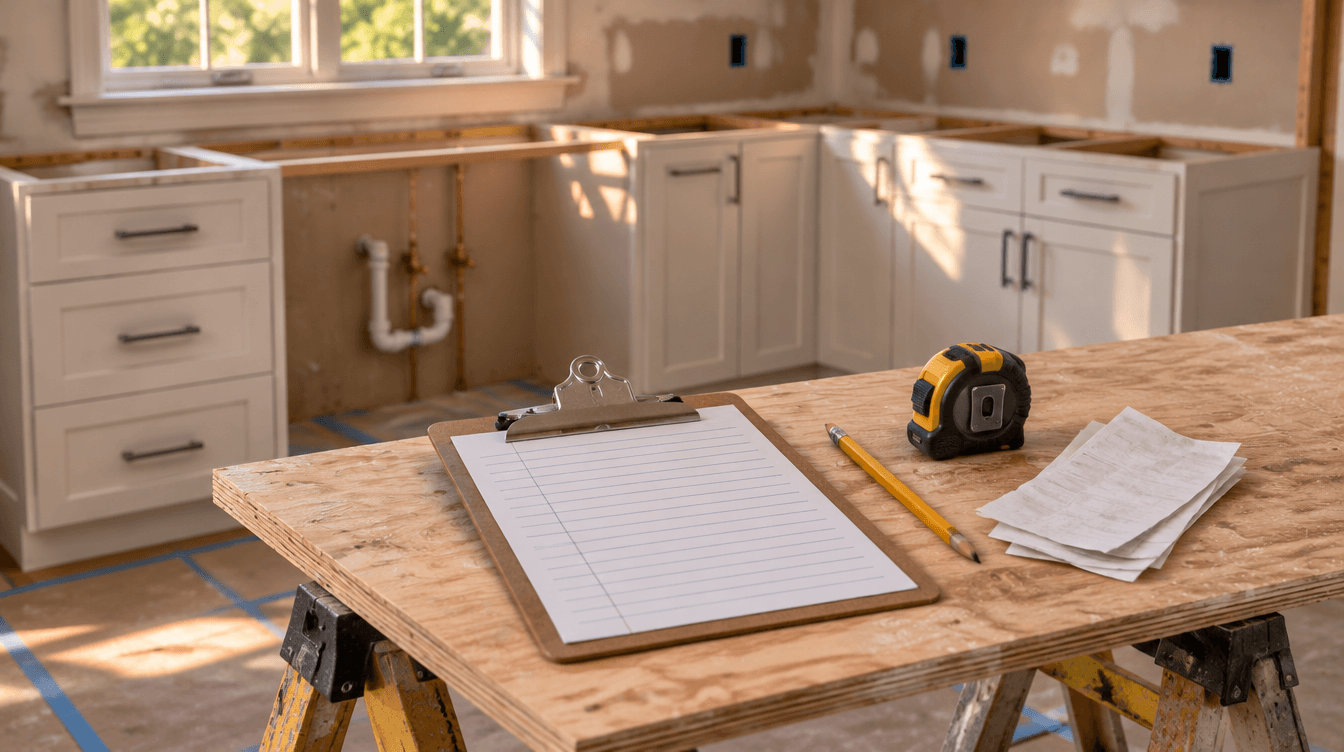
A construction budget is your estimate's cost lines, locked in when the contract is signed, that you run the job against. It lists what each part of the job should cost (labor, materials, subs, site costs), plus a contingency line. It does not include your markup. The price is what the customer pays; the budget is what you're allowed to spend.
Budget = direct costs by cost code + contingency. Price = budget ÷ (1 − margin).
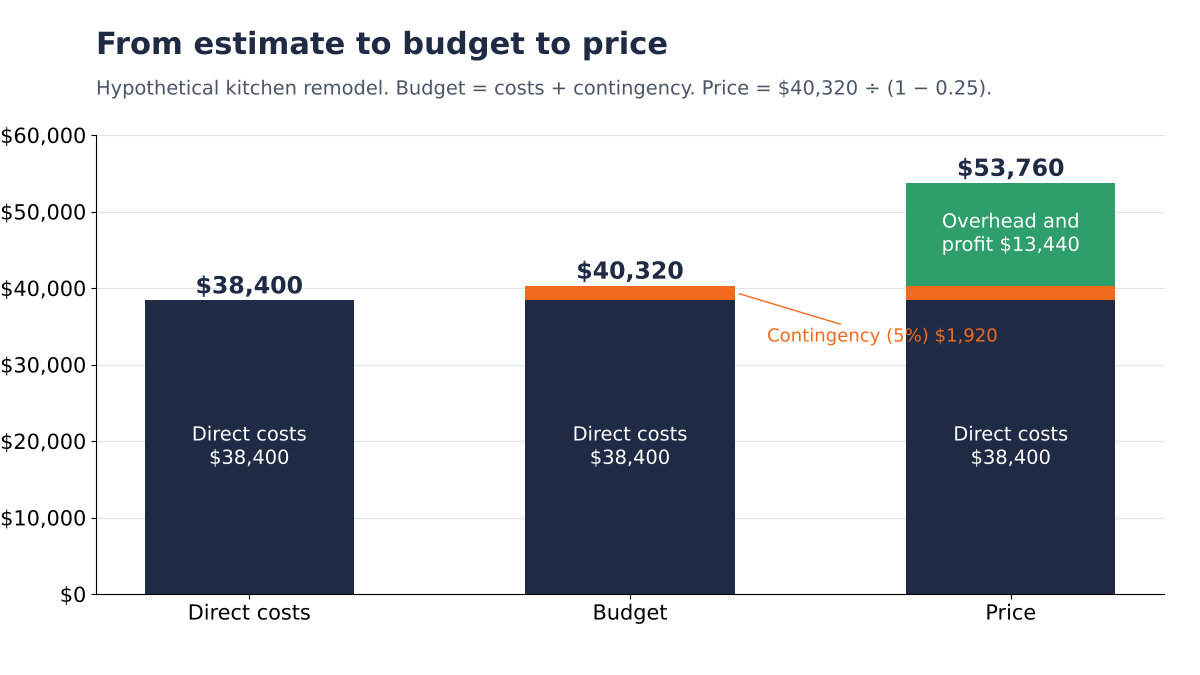
Hypothetical kitchen remodel: $38,400 of direct costs plus a 5% contingency makes a $40,320 budget. At a 25% margin, the price is $53,760. Worked below.
Why it matters: an estimate gets you the job. A budget tells you, on day 12, whether you're still making money on it. Without one, you find out at the final invoice.
Scope: US contractors and remodelers running small crews. All dollar figures are hypothetical. If you haven't priced the job yet, start with how to estimate construction costs.
1. Estimate, budget, price: three different numbers
Procore defines it this way: "A construction budget is the total estimated cost of a project, typically broken out into cost codes based on the scope of work and specifications" (Procore). Most of the confusion comes from mixing it up with the estimate and the price.
| Number | What it is | Who sees it |
|---|---|---|
| Estimate | Your costing of the job before you win it: quantities, hours, quotes | You |
| Budget | The estimate's cost lines plus contingency, locked at signing and adjusted only by buyout and change orders | You and your crew lead |
| Price | Budget plus overhead and profit, the number on the contract | The customer |
On a homeowner job, the customer may also have a "budget": the most they want to spend. That's their number. Yours is the cost plan behind your price.
2. Start from the estimate, not a blank sheet
You already did the hard work when you estimated the job. The takeoff gave you quantities, your hours gave you labor, and your subs gave you quotes. The budget reuses all of it.
- Copy the cost lines over as they are. Same quantities, same hours, same sub quotes.
- Strip out the markup. The budget is cost. Overhead and profit sit on top, in the price.
- Keep labor loaded. Use the hourly cost with payroll taxes and comp included, as labor burden explains, or labor will look under budget when it isn't.
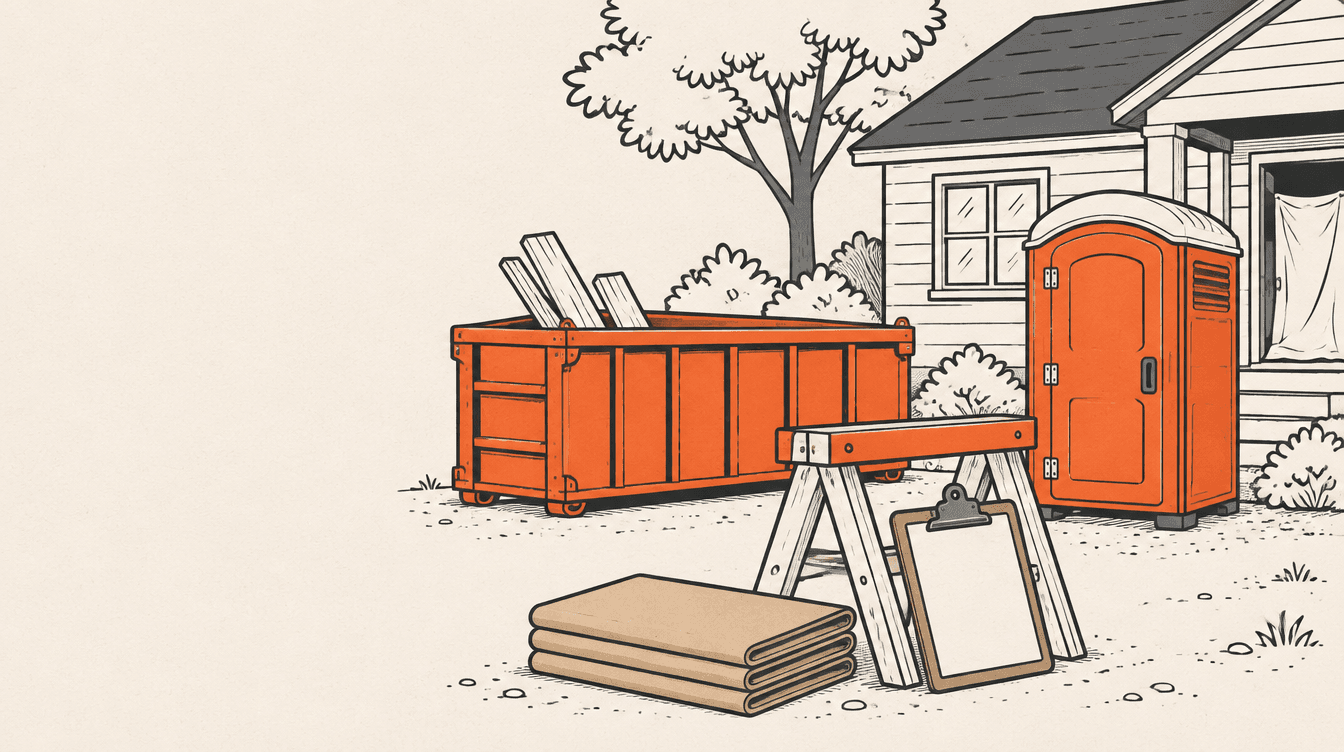
- Keep the job's site costs. Dumpster, permit, porta-john, protection. Those are your general conditions and they belong in the budget.
No written estimate yet? Start from the construction estimate template.
Your truck, insurance and office don't go in a job budget. They're covered by the overhead in your price, per construction overhead.
3. Break it into cost codes you'll actually track
A cost code is just a named bucket: "Demo", "Cabinets", "Electrical sub". Big firms run hundreds. A small crew needs enough to answer one question when a job goes sideways: which part ran over?
A good rule: one code per trade or phase you'd price separately, and one per sub. Eight to fifteen codes covers most residential jobs. If you'd never look at a line on its own, merge it.
Use the same codes on every job of the same type. That's what lets you compare this kitchen with the last three.
4. Add a contingency line
Jobs run long. Price like it. A contingency line is money in the budget for the stuff you can't see yet: rot behind the drywall, a wall that isn't square, a fixture that arrives broken.
The example below uses 5% of direct costs, an assumption. How much to carry, and how to word it to the customer, is in construction contingency.
Keep contingency on its own line. If you hide it inside the other codes, you can't tell whether a line came in under because you priced it well or because it had padding in it.
5. Worked example: a kitchen remodel budget
Hypothetical mid-size kitchen remodel. Labor is loaded. Subs are firm quotes. Margin target is 25%, using price = cost ÷ (1 − margin).
| Cost code | Budget |
|---|---|
| Demo and dumpster | $1,800 |
| Carpentry and install labor | $6,400 |
| Cabinets and countertops | $14,200 |
| Plumbing sub | $3,800 |
| Electrical sub | $4,200 |
| Drywall and paint | $2,900 |
| Flooring | $3,600 |
| Permit and site costs | $1,500 |
| Direct costs | $38,400 |
| Contingency (5%) | $1,920 |
| Budget | $40,320 |
| Overhead and profit (25% margin) | $13,440 |
| Price | $53,760 |
The math: $40,320 ÷ 0.75 = $53,760. Planned gross profit is $13,440, which is 25.0% of the price. If you finish without touching the contingency, profit is $15,360, or 28.6%.
Margin and markup aren't the same thing here. A 25% margin is a 33.3% markup on cost. If you mix them up, read contractor markup before your next bid.
6. Lock it, then change it only two ways
Once the contract is signed, the budget is the baseline. Don't rewrite it every time a line moves, or you'll never know what you actually planned. Change it in two situations only.
Buyout. When you place the real orders and sign the subs, some numbers shift. Note the new number next to the original. Change orders. When the customer adds or changes scope, the cost goes into the budget and the price goes into the contract, signed before the work, per construction change orders.
| Line | Original | Revised | Why |
|---|---|---|---|
| Cabinets and countertops | $14,200 | $13,650 | Order placed, came in $550 under |
| Electrical sub | $4,200 | $4,600 | Final sub price, $400 over |
| Change order: pantry pull-outs | $0 | $1,200 | Customer added, priced at $1,600 |
| Budget | $40,320 | $41,370 | |
| Price | $53,760 | $55,360 | $1,200 ÷ 0.75 = $1,600 added |
Buyout netted $150 in your favor. The change order kept its own 25% margin. Planned profit is now $55,360 − $41,370 = $13,990.
7. Track it against what you actually spend
A budget nobody checks is a wish. Log hours daily, snap receipts the day you buy, and compare each cost code to its budget at least weekly. In WinPal you can scan a receipt with your phone and it saves the details as an expense.
The tracking side, with a worked estimate-vs-actual table, is in construction job costing. When a code runs over, find out why before you blame the crew. When it runs over on three jobs in a row, fix that line in your next estimate.
8. Budget says how much, cash flow says when
A job can be on budget and still drain your bank account, because you pay for cabinets in week one and get paid in week eight. The budget doesn't show that. A cash flow forecast does.
If that's the problem you're having, read construction cash flow next. It uses the same kind of job and shows how deposits and progress payments change the timing.
Common construction budget questions
What is a construction site budget?
It's the cost plan for one job: what labor, materials, subcontractors and site costs like the dumpster and permit should cost, broken into cost codes, plus a contingency line. It's built from your estimate, locked when the contract is signed, and used to check spending while the job runs. Your markup sits on top, in the price.
How do you create a construction budget?
Start from your estimate. Copy each cost line with its quantities, loaded labor hours and sub quotes. Group them into cost codes you'll track, remove the markup, add a contingency line, and total it. Lock that number at signing. After that, change it only for buyout differences and signed change orders.
What's the difference between a construction estimate and a budget?
The estimate is how you figured the job's cost before you won it. The budget is that same cost, organized into cost codes and locked at signing, so you can run the job against it. The estimate gets you the price. The budget tells you during the job whether you're still on track to make it.
What should a construction budget include?
Loaded labor, materials with waste, every subcontractor, site costs like the dumpster, permit, rentals and protection, and a separate contingency line. Leave out company overhead like your truck and insurance, and leave out profit. Those belong in the price. Add change orders as their own lines when they're signed.
How much contingency goes in a construction budget?
It depends on how much you don't know about the job. A well-defined remodel with a clean scope needs less than an old house where nobody's opened the walls. The example here uses 5% of direct costs as an assumption. Keep it on its own line so you can see how much of it you used.
What to do on your next job
Before you start, copy your estimate lines into a budget, strip the markup, add a contingency line, and lock it. Write buyout changes and change orders next to the original. Check it weekly against receipts and hours.
Not sure the estimate behind that budget is priced right? Upload it to the estimate checker and see if it's priced too low.